
Discover how a simple, human-friendly toolkit can help kids, parents, seniors and small businesses stay safe in the age of AI.
These days, AI isn’t just for tech bros or data scientists, it shows up everywhere: chatbots helping with homework, customer-service assistants, “smart” website pop-ups, even robo-calls pretending to be your bank.
That can be, well… scary.
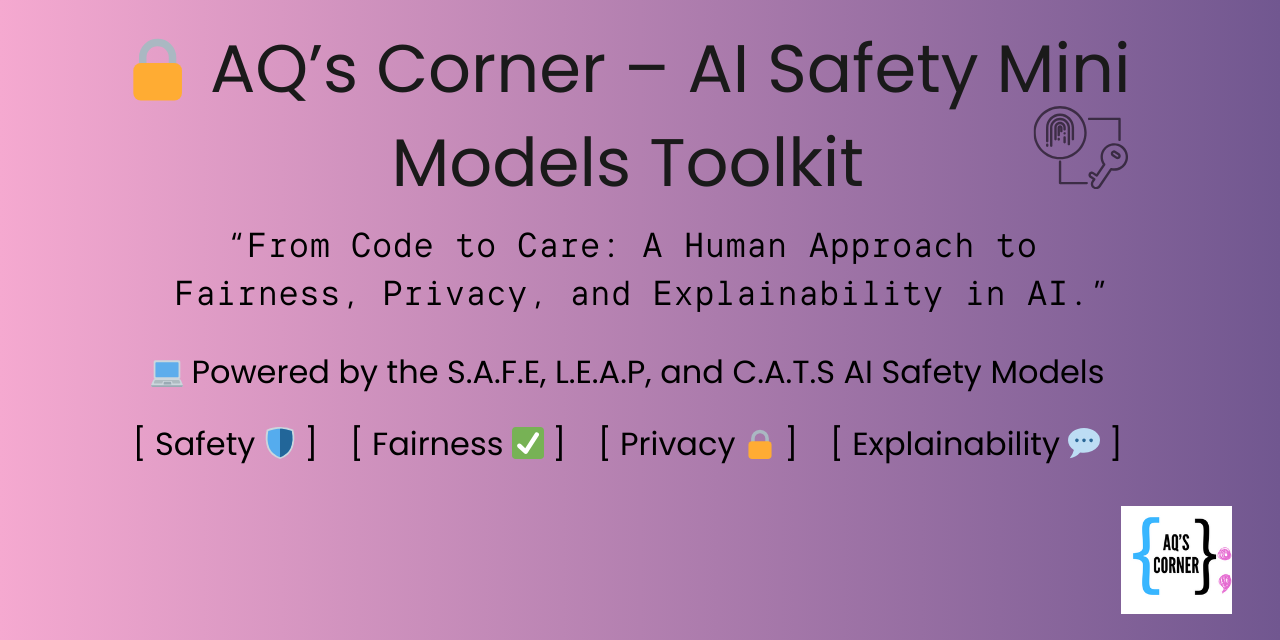
That’s why I created AI Safety Mini Models, a gentle, human-first toolkit built for everyday people: kids, parents, seniors, small business teams.
No complicated dashboards. No scary code. Just simple ideas we can all practice.
🔹 What’s Inside the Toolkit
- Three friendly, easy-to-remember models
- S.A.F.E. – Source, Ask, Feel, Exit — great for kids, seniors, families who want to ask questions before trusting a message.
- L.E.A.P. – Look, Evaluate, Act, Protect — ideal for non-tech adults and small-business staff who get messages, pop-ups, or AI tools at work.
- C.A.T.S. – Check, Ask, Think, Stop — a playful, classroom-style model for kids (or anyone) to quickly judge whether a message feels safe.
- A tiny Python “robot” script — it reads a list of messages, checks for red flags (passwords, money requests, urgency), and labels each as safe, careful, or danger.
It’s optional, but a great demo of how simple rule-based detection logic mirrors what many real security systems do. - Activities, worksheets, and tools — designed for home use, classrooms, senior centers, or small-business trainings.
Everything is built to be human-first: clear, approachable, and practical.
🔹 Why This Matters
AI isn’t just code, it touches people’s lives.
Kids may see strange pop-ups offering “free games.”
Seniors may get shocking robo-calls pretending to be banks.
Small-business teams may fall for phishing or scam requests.
These models help answer three simple, powerful questions for anyone, no matter their tech background:
- 🔍 Who is talking to me? (Source)
- ❓ What are they asking me to do? (Ask / Look / Check)
- 🧠 How does this feel, is this normal or shady? (Feel / Evaluate / Think)
If something feels weird:
Stop, don’t click, ask someone.
That small pause can save you from a scam, fraud, or a bad decision.
🔹 How to Use the Toolkit
- Choose a model (S.A.F.E., L.E.A.P., or C.A.T.S.), whichever feels right for your audience
- Use it whenever you get an unusual message, pop-up, or AI chat
- For hands-on fun: use the demo Python robot to test example messages (great for older kids/teens, educators, or tech-curious adults)
- Use the worksheets and checklists when teaching kids, seniors, or staff
- Keep talking, teach others to ask the same safety questions
🔹 When This Toolkit Helps Most
- At home, with kids doing homework online
- When grandparents get unfamiliar calls or texts
- Small businesses using third-party AI tools or handling customer data
- Community workshops, school clubs, libraries, anywhere people might face “too good to be true” messages
🔹 My Promise
No jargon. No scare tactics.
Just clear, kind, easy-to-follow logic and tools anyone can use, regardless of background or experience.
Because real security isn’t just tech.
It’s trust. It’s awareness.
It’s human.
🔹 Get Started
Visit the project page on GitHub:
AI Safety Mini Models Toolkit
Grab the models, run the demo, or print the worksheets.
Then share with your family, your seniors, your team, become a Cyber-Hero today.





 AQ'S Corner
Leave a comment